

SSH is the front door to most Linux servers. Attackers scan the internet 24/7 looking for weak passwords and open port 22. This guide shows how to spot brute-force attempts quickly and block repeat offenders with fail2ban.
1. Check auth.log for failed logins
sudo grep 'Failed password' /var/log/auth.log | tail -20
sudo grep 'Invalid user' /var/log/auth.log | awk '{print $10}' | sort | uniq -c | sort -rn | head
The second command lists usernames attackers tried most often (root, admin, ubuntu, etc.).
2. Count attempts by source IP
sudo grep 'Failed password' /var/log/auth.log \
  | awk '{print $(NF-3)}' | sort | uniq -c | sort -rn | head -15
Any IP with hundreds of failures in a short window is almost certainly a bot.
3. Install and enable fail2ban
sudo apt update && sudo apt install -y fail2ban
sudo systemctl enable --now fail2ban
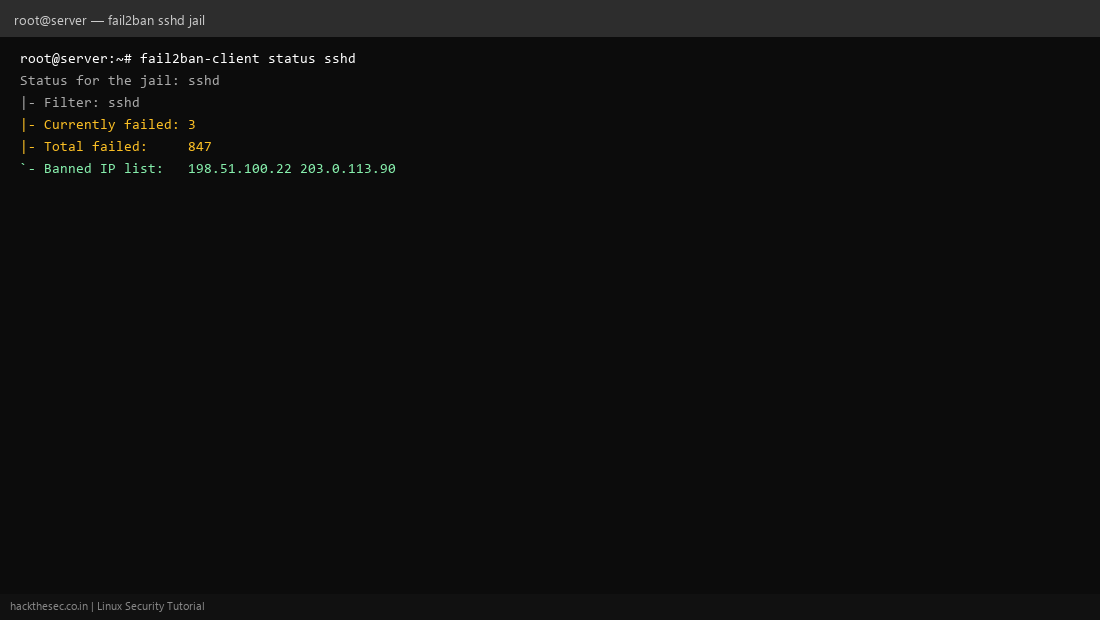
sudo fail2ban-client status sshd
4. Harden sshd (do this first)
- Disable password login:
PasswordAuthentication no - Disable root login:
PermitRootLogin no - Use a non-default port or restrict with firewall
- Allow only your admin IP if possible
After editing /etc/ssh/sshd_config, run sudo sshd -t && sudo systemctl reload sshd.
5. Monitor bans
sudo fail2ban-client status sshd
sudo zgrep 'Ban' /var/log/fail2ban.log | tail -10
Review banned IPs weekly. Legitimate users behind NAT can trigger bans if they mistype passwords—adjust maxretry and bantime in /etc/fail2ban/jail.local.