

Every Linux server needs a firewall. On Debian/Ubuntu you usually see ufw; on RHEL/CentOS/Rocky it's firewalld. Both wrap iptables/nftables—pick one and stay consistent.
ufw (Ubuntu / Debian)
sudo ufw default deny incoming
sudo ufw default allow outgoing
sudo ufw allow 22/tcp comment 'SSH'
sudo ufw allow 80,443/tcp comment 'Web'
sudo ufw enable
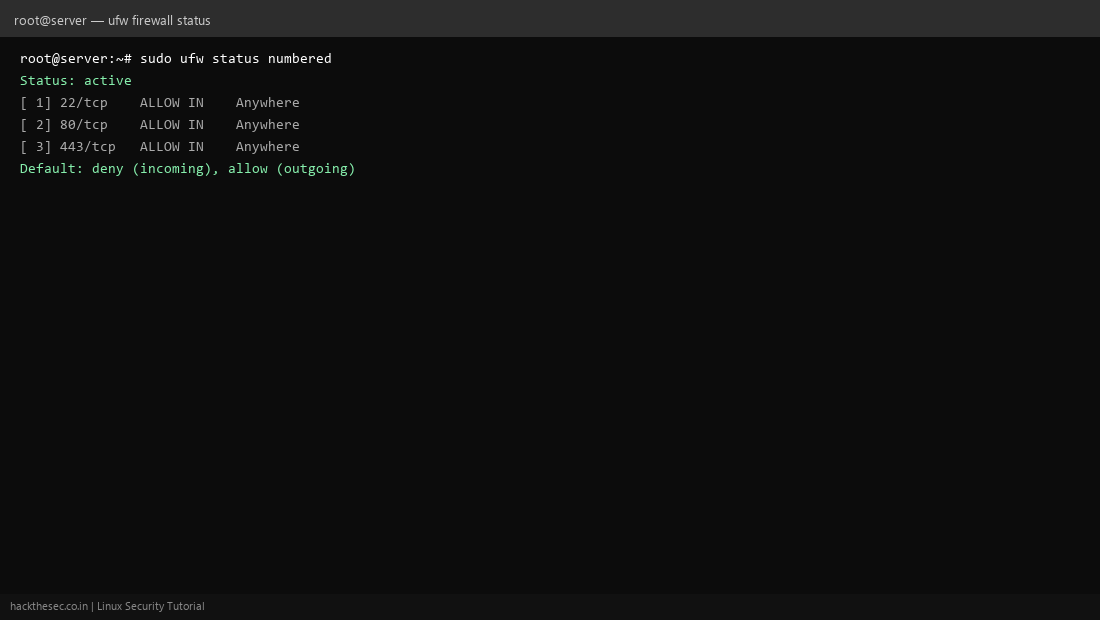
sudo ufw status numbered
firewalld (RHEL family)
sudo systemctl enable --now firewalld
sudo firewall-cmd --permanent --add-service=ssh
sudo firewall-cmd --permanent --add-service=http
sudo firewall-cmd --permanent --add-service=https
sudo firewall-cmd --reload
sudo firewall-cmd --list-all
Before you lock yourself out
- Keep an active SSH session open while testing rules
- Allow SSH before enabling the firewall
- Use a cloud console (VNC/serial) as backup access