
![[HIGH PRIORITY] VMware ESXi Active Directory Authentication Bypass (CVE-2024-37085)](https://lh3.googleusercontent.com/blogger_img_proxy/AEn0k_t9BqL6AHVeRjdTANfNfJPlKCCxuEUuGJnkrmB1ComcOk8Exo-gue2mQNLsj8eI43hdoiHNufBLzD5285gXhT94EizcsxMQbHmMPxqk6xy4bXCHYNemw2DumZRsPLdNv3TjsoJ0T5df3IxTiSEWMLHecvuAFRs_ffQdLrI)
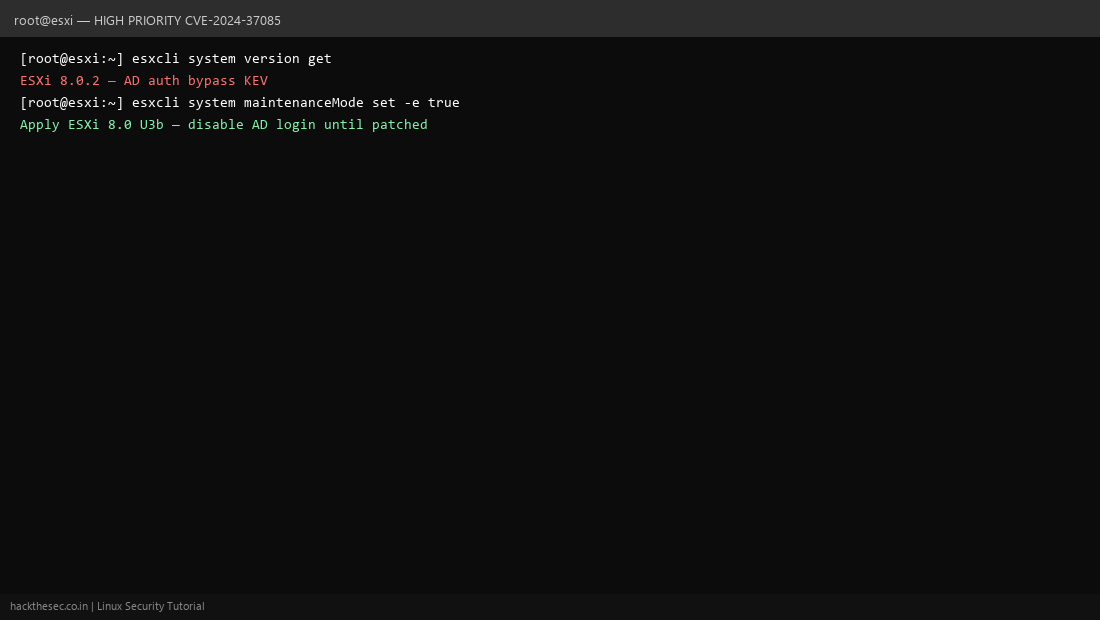
⚠ HIGH PRIORITY — CISA KEV. CVE-2024-37085 lets attackers with AD access bypass ESXi authentication when AD integration is enabled. Ransomware groups (including ESXiArgs variants) abused this to encrypt entire virtualization clusters.
Affected ESXi
- ESXi 8.0 before ESXi 8.0 U3b
- ESXi 7.0 before ESXi 7.0 U3s
- Hosts joined to Active Directory for admin login
Verify AD integration
ssh root@esxi-host
esxcli system version get
vim-cmd hostsvc/ad/authentication store | grep -i enabled
Patching Method
- Snapshot VM inventory; schedule cluster rolling maintenance.
- Download ESXi 8.0 U3b or 7.0 U3s image from Broadcom/VMware portal.
- Put host in maintenance mode:
esxcli system maintenanceMode set --enable true - Apply update via vSphere Lifecycle Manager or
esxcli software profile update. - Reboot host; exit maintenance mode; validate AD login still works with test account.
- Rotate ESXi root passwords and review
/etc/passwdfor rogue accounts.
esxcli system version get | grep -E 'Version|Build'
esxcli network firewall get
grep -i lockdown /etc/vmware/esx.conf
Workaround until patched
- Disable AD authentication temporarily; use local root with strong password
- Enable ESXi lockdown mode and restrict management to vCenter
- Block ESXi management port 443 from all except admin jump host